App tutorials
Ten short videos, about 60 minutes in all. Watch them in order, or jump to the tool you need.
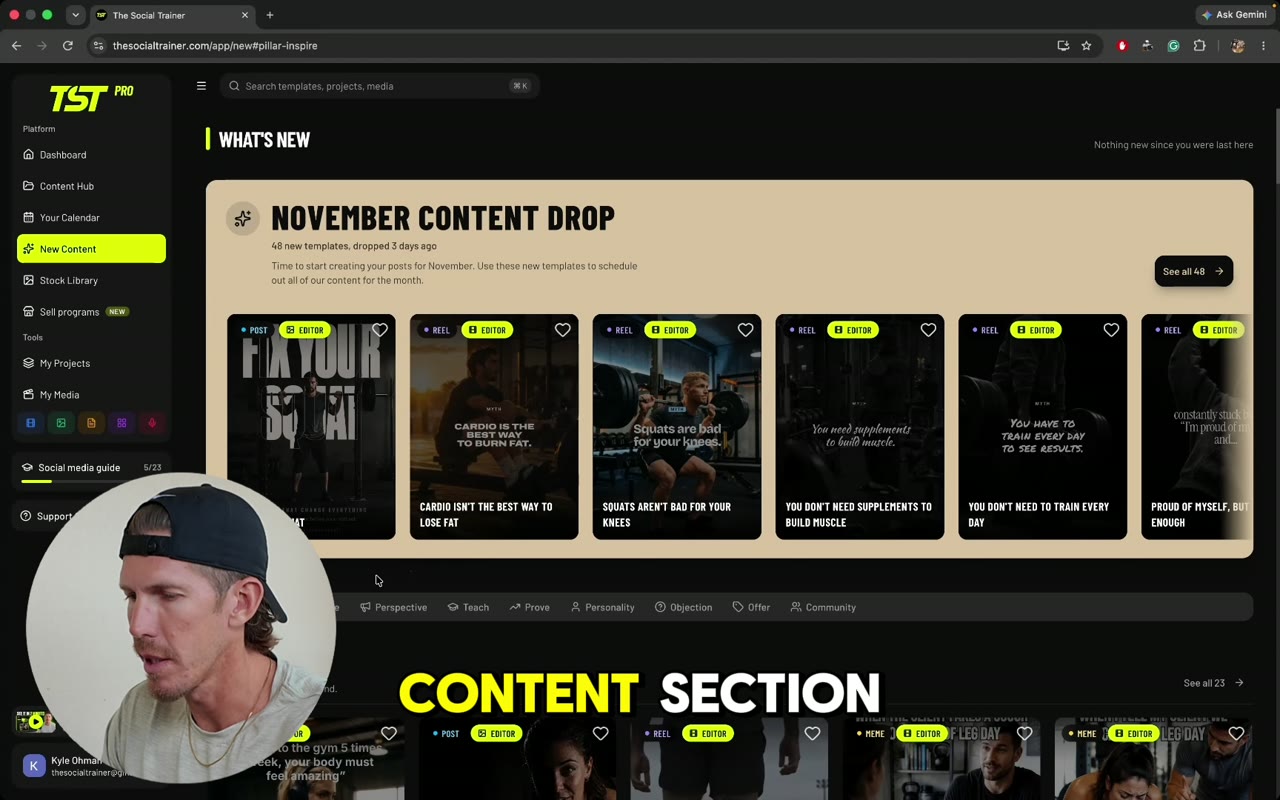 6:191Finding what to postThe Content Hub holds every template. Learn to find new drops, filter by type, pillar, topic, season and audience, and save or schedule what you pick.
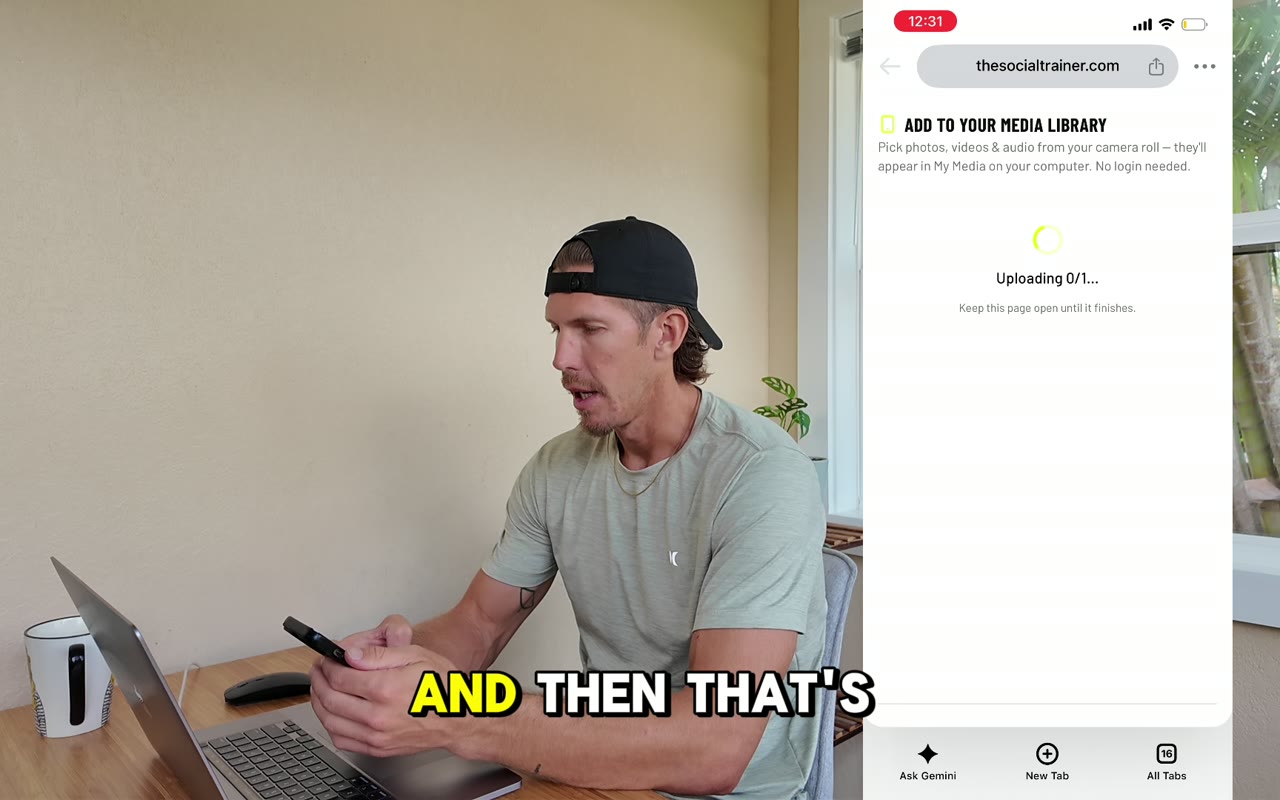 5:022Your mediaMy Media holds your photos and videos. Learn to upload from your computer or phone, check labels and coaching tips, cut clips, and use folders and the shot list.
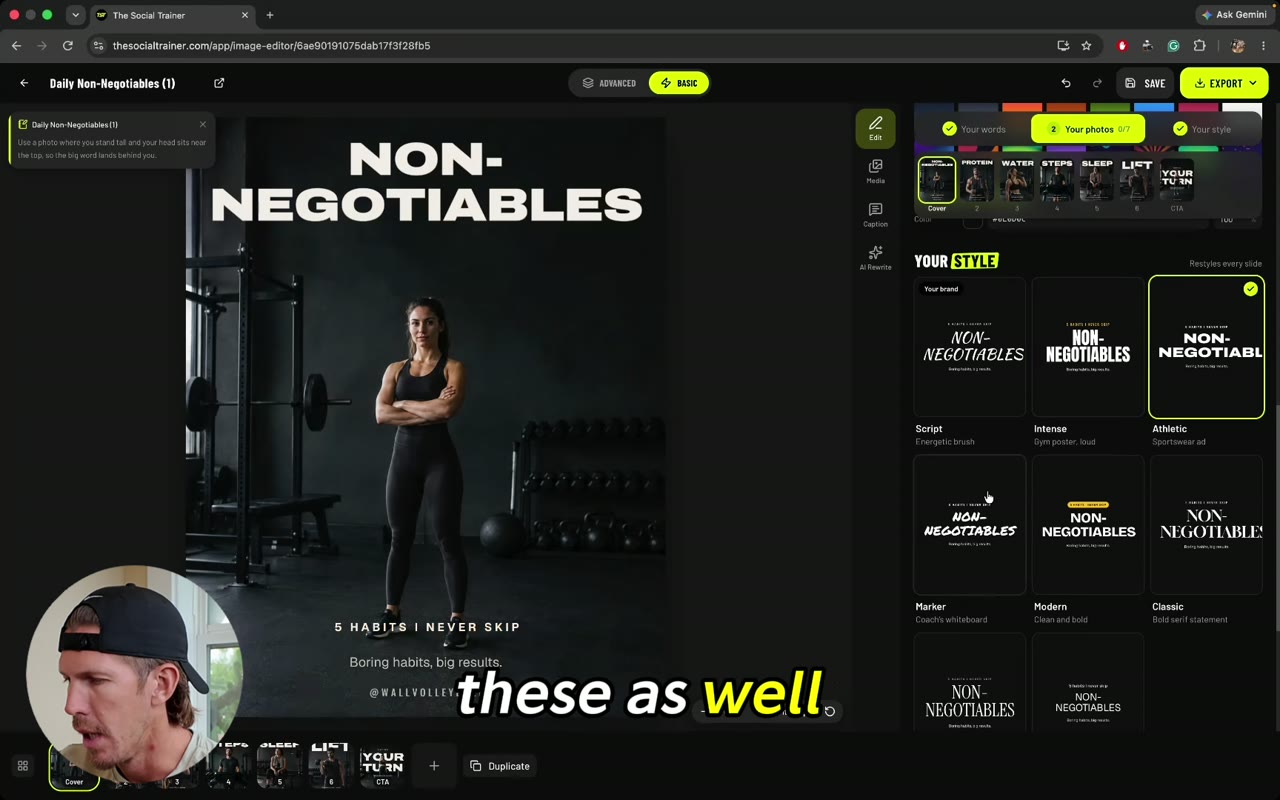 8:483The Image EditorThe Image Editor turns a template into your own post. Learn Basic and Advanced, your font, your text and photos, then saving and scheduling.
 9:214Authority postsAuthority posts put your drills and exercises into proven layouts that show your expertise. Learn to set your topic, add clips, line up reps and schedule.
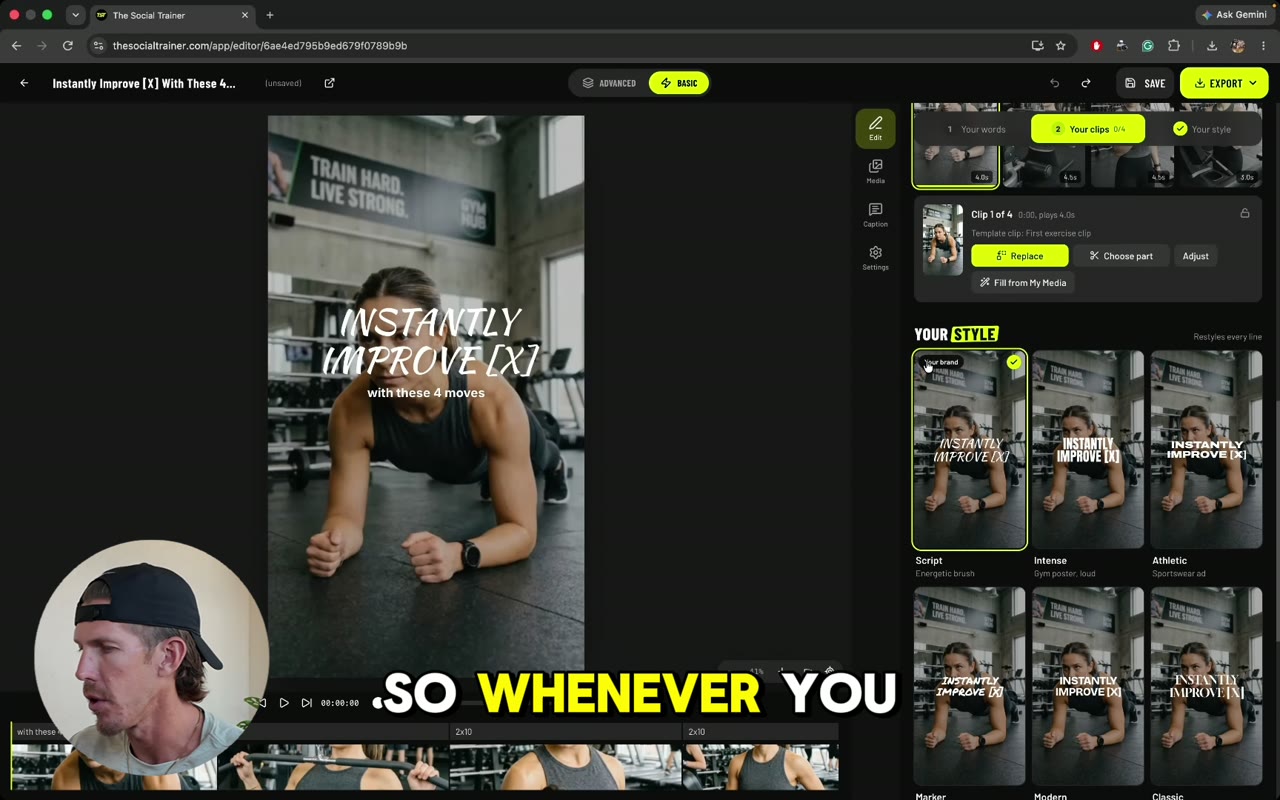
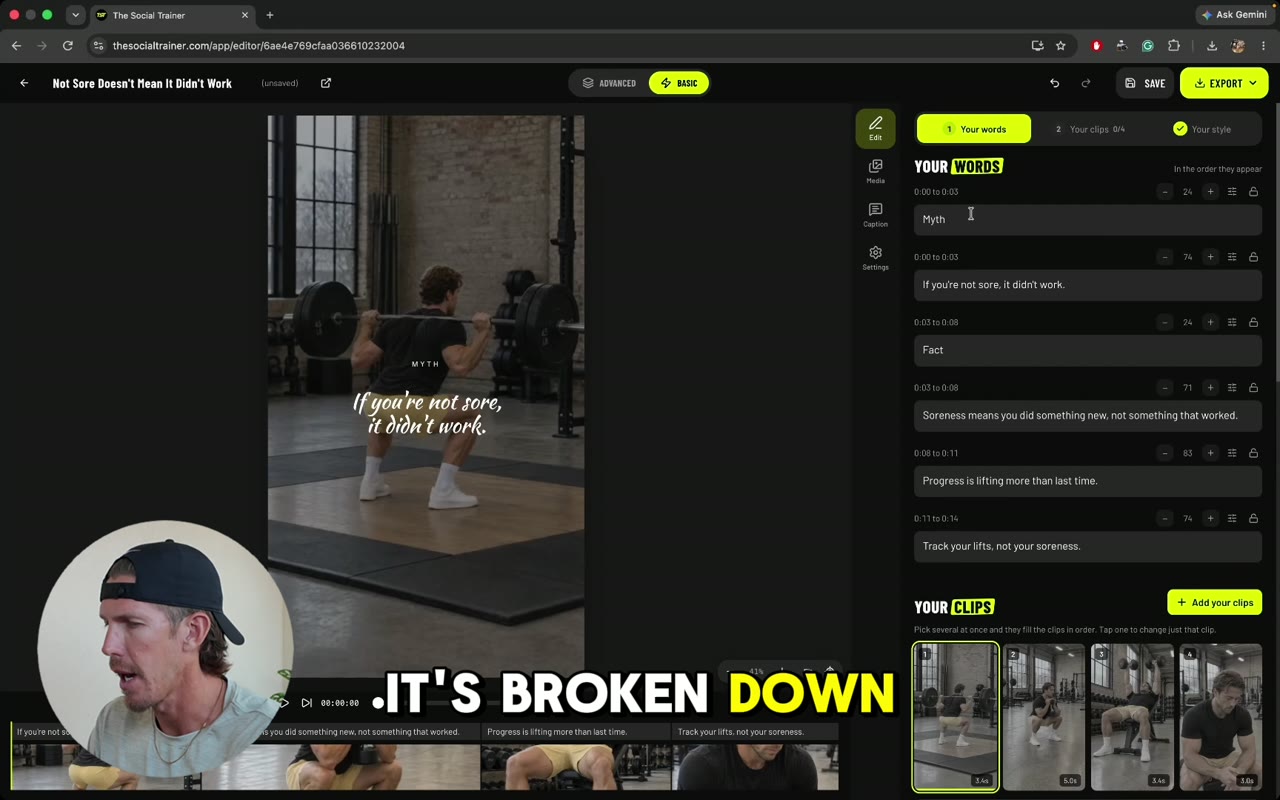 4:205The Reel EditorThe Reel Editor turns a template into a finished reel with your clips. Learn Basic and Advanced, text, font, adding clips, timing and scheduling.
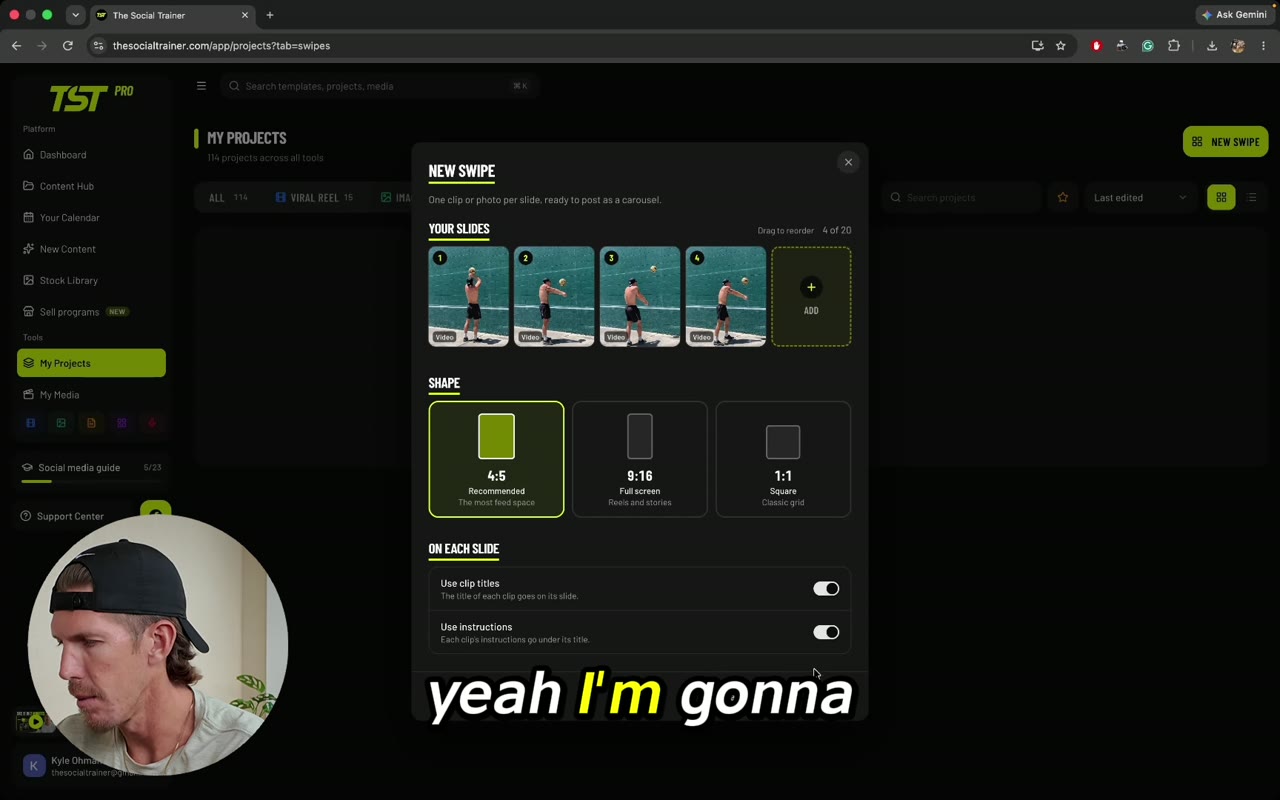 3:286SwipesSwipes turn your videos into a carousel post. Learn to pick clips, add titles and instructions, style the text, use split screen and schedule.
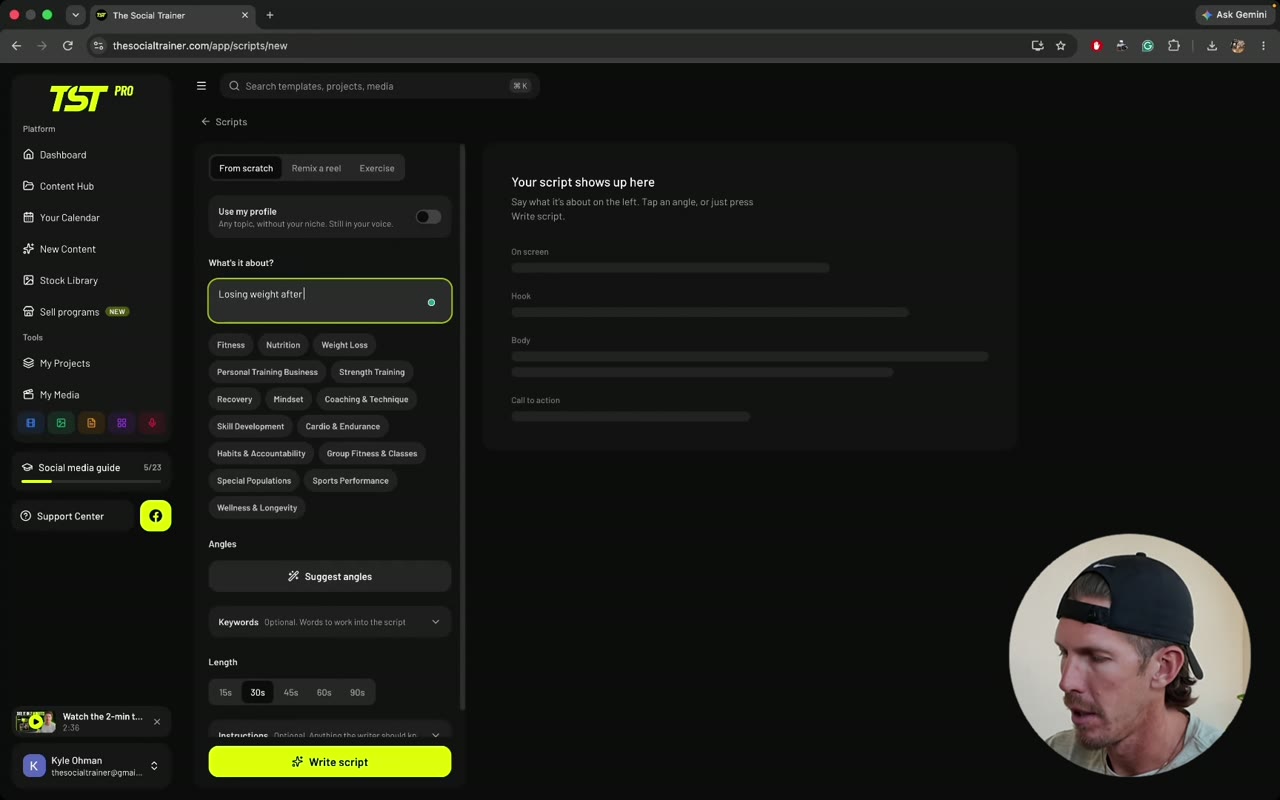 8:007The Script WriterThe Script Writer gives you a first draft for a talking head video or a voiceover. Learn to write from scratch, remix a reel and script an exercise.
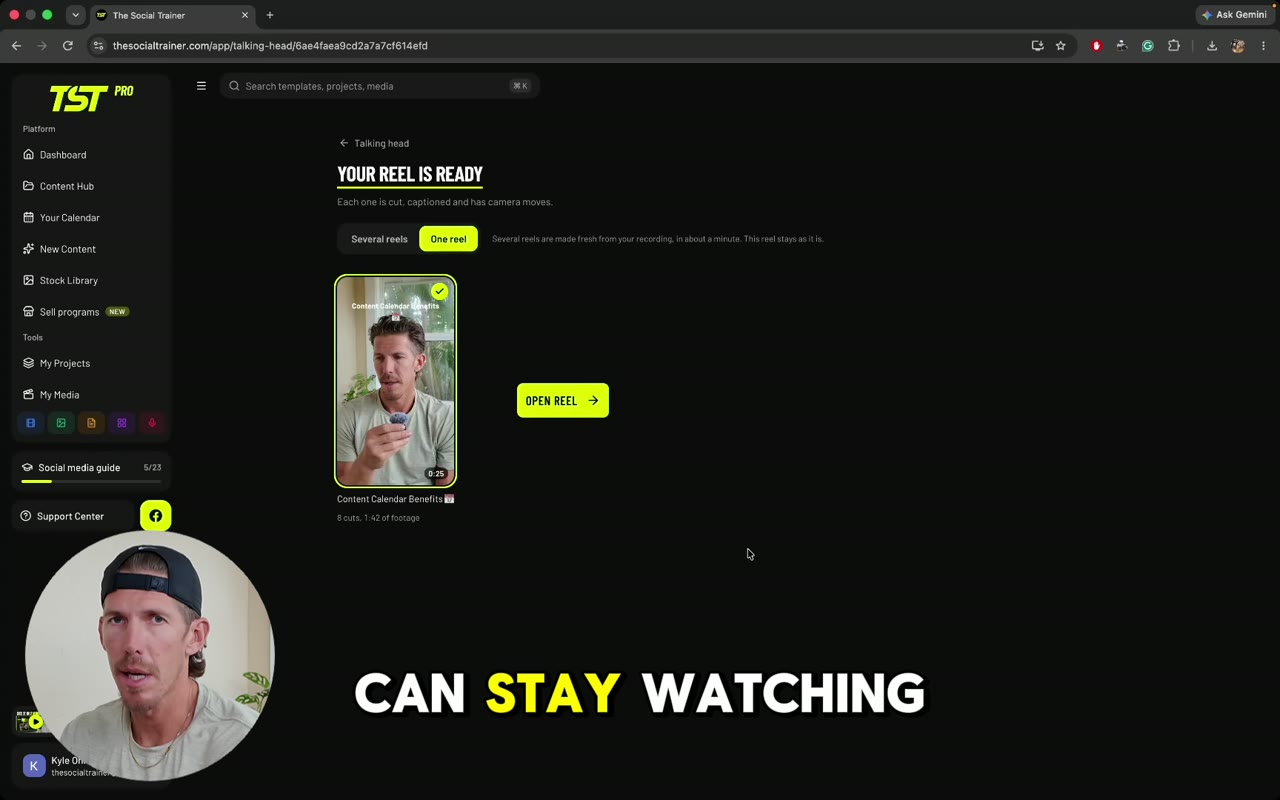 6:568Talking HeadTalking Head edits a longer video for you with AI. Learn to make the reel, restore cuts, set captions and camera moves, edit in Advanced and add B-roll.
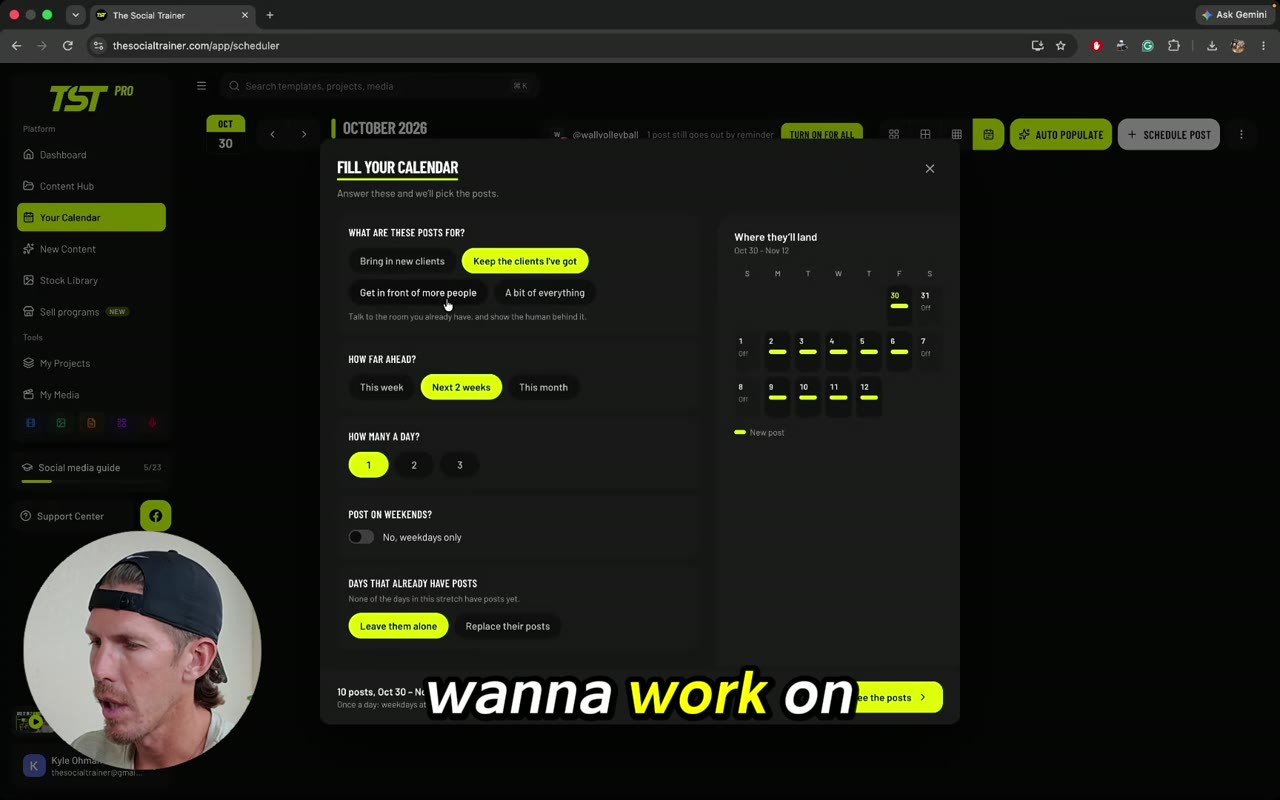 3:489Your calendar and auto-publishYour Calendar shows every planned post. Learn the calendar views, Auto Populate, scheduling a project, auto-publish and uploading posts made elsewhere.
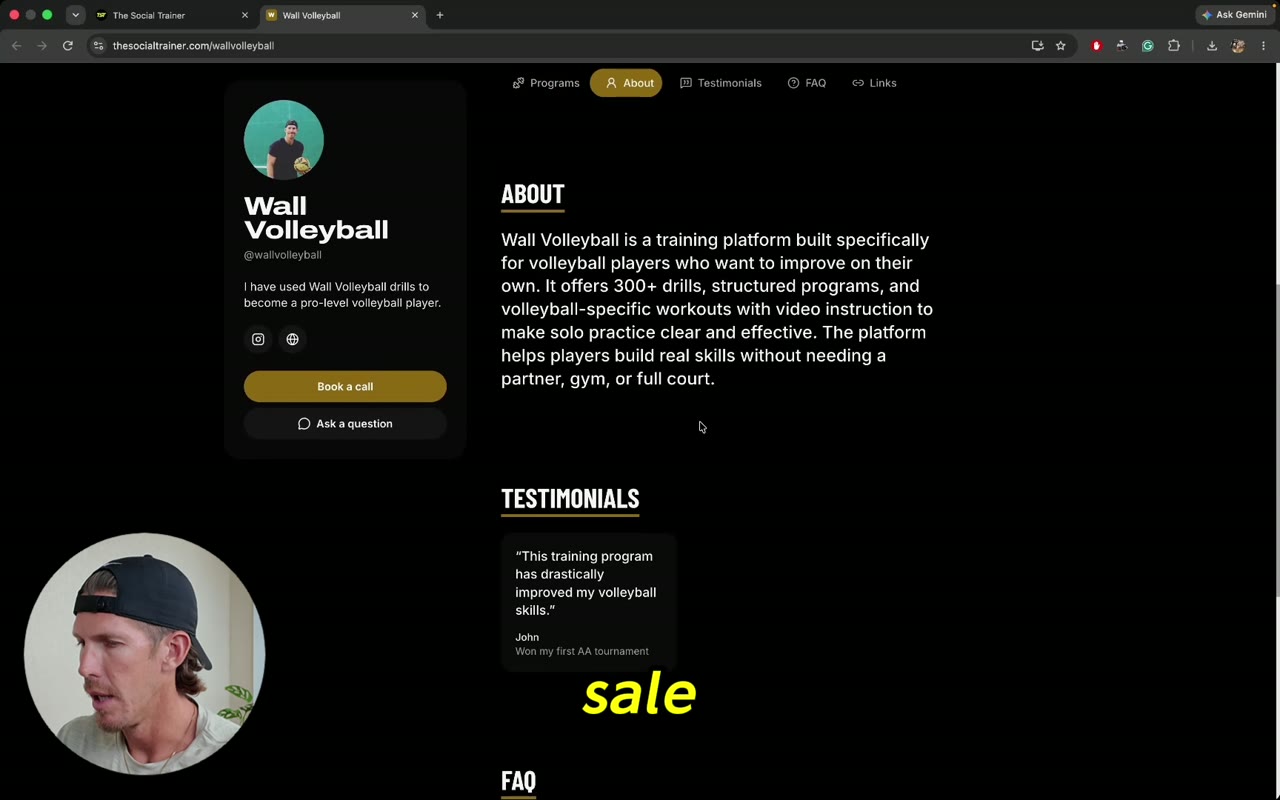 4:3910Selling your programsSell programs lets you sell workouts from your own live page. Learn the overview, your page, programs, meal plans, memberships, clients and building a program.